
Manage event registration.Arrange onsite support.
Start with one event page to collect registrations and organize your guest list.
When you need an extra pair of hands onsite, talk to us.
For corporate and brand events, from the first registration.
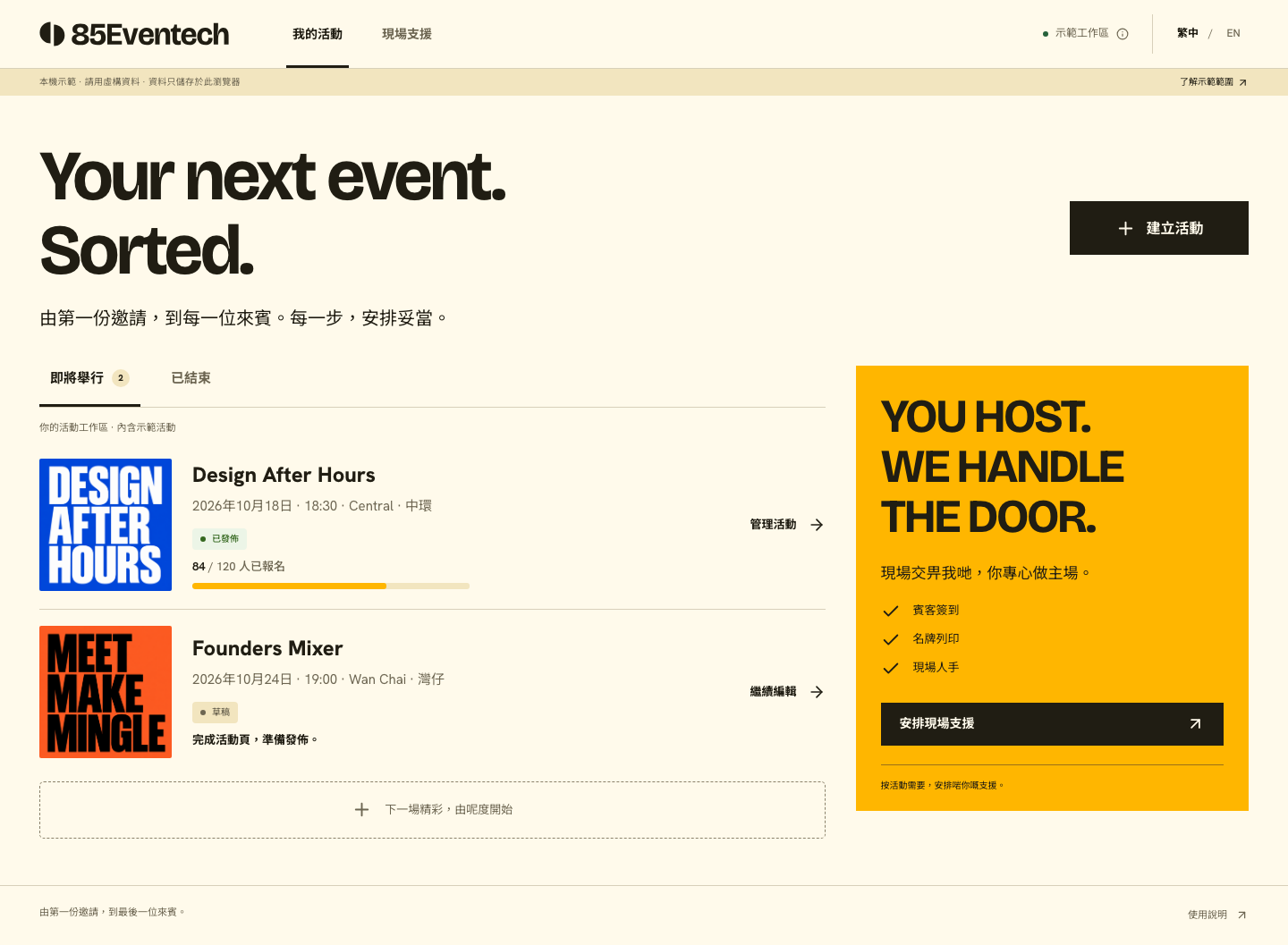
Get registration organized.
Focus on your event.
Event details, registrations and guest lists in one place.
Follow three steps from setup to handover.
Create your event page
Enter the event details and choose a preset cover. Check the preview before publishing the registration page.
Share the link and collect registrations
Attendees enter their name and email on the event page. Set capacity and close registration when needed.
Prepare your list for handover
Find guests and export CSV files to prepare the list for your event team.
October 2026 update
Was the registration saved?
Check the result first.
Review the receipt after registration. If the connection drops, check the same submission on the original page to avoid duplicates.
See this updateRegistration status is separate from email
The completion page explains whether registration was saved. Organizers can check the guest list without relying on email receipt.
Check the result of the same submission
Keep the original submission page. Follow its instructions to check or retry the same operation after a connection interruption.
Automatic confirmation emails are not yet available. Event settings show the actual availability. Registration saving and duplicate protection continue to work.
Read the registration guide
One link.
A clear event introduction.
Put the date, venue and registration entry together so attendees can understand the event before registering.
- Event page
Create, preview and publish. Share one registration link.
- Registration controls
Set capacity and close registration manually when needed.
- Information collection
Start with a name and email to keep registration straightforward.
After registrations arrive,
keep your guest list ready.
Find guests, export a list and prepare the information your onsite team needs.
Explore guest list managementClear the search first to export the full list.
A CSV is a snapshot. Export again when new registrations arrive.

Focus on your guests.
Arrange support as needed.
From guest arrivals and badges to an extra pair of hands onsite.
Tell us what your event needs so we can confirm suitable support.
Guest check-in
Arrival and verification arrangements
Badge printing
Confirm production arrangements for your event
Onsite staff
Support for your onsite roles and tasks
Service scope, availability and fees require separate confirmation.
Your next event
starts with preparation.
Practical guides
for clearer registration and onsite handover.
Your event guest list:
how do you prepare it for handover?
From clearing search before export to noting the data date and version,
make the details your team needs clear.
Before you start,
you may want to know.
Have other event requirements?
Talk to us directly.
Which kinds of events is this suitable for?
Start with corporate talks, brand sharing sessions or customer events that need registration. Compare the demo with your event requirements to decide whether it fits.
What information can the registration form collect?
It currently collects names and email addresses, with capacity and duplicate-registration checks. Custom form builders and paid tickets are not available.
Does a successful registration always receive an email?
Registration and email status are shown separately. “Registration saved” means the attendee is on the list; no email does not mean registration failed. Automatic confirmation emails are not yet available. Keep a record of the date, time and venue.
Should I register again after a connection failure?
Keep the original page open and use “Check original registration result”. This checks the same submission. Retry only when the page offers a retry of that operation. If you closed the page or changed browsers, contact the organizer rather than submit another registration.
Can I enquire about onsite services only?
Yes. Please use WhatsApp for guest check-in, badge printing or onsite staff enquiries. The system can save inquiry drafts and review submissions, but the staff handover still awaits real-world acceptance testing. Contact us to confirm arrangements. An inquiry is not a booking; availability, scope and fees need confirmation.
How are the tool and onsite services priced?
Tool access and pricing arrangements will be explained before use. Onsite services are quoted after confirming the event size, date, venue and support required.
Clear pricing for each event.
The two fixed-price plans share system features, with bands by purchased registration quota. Onsite staff, equipment and printing are quoted separately.
Explore pricing and scope- 1–499 people
- HK$5,000
- 500–2,000 people
- HK$10,000
- 2,001+ people
- WhatsApp quotation